
Photo Overlay Editor
Upload a photo and DottyPic reads its colors, then lays on matching overlays so the effect feels shot together, not pasted on.
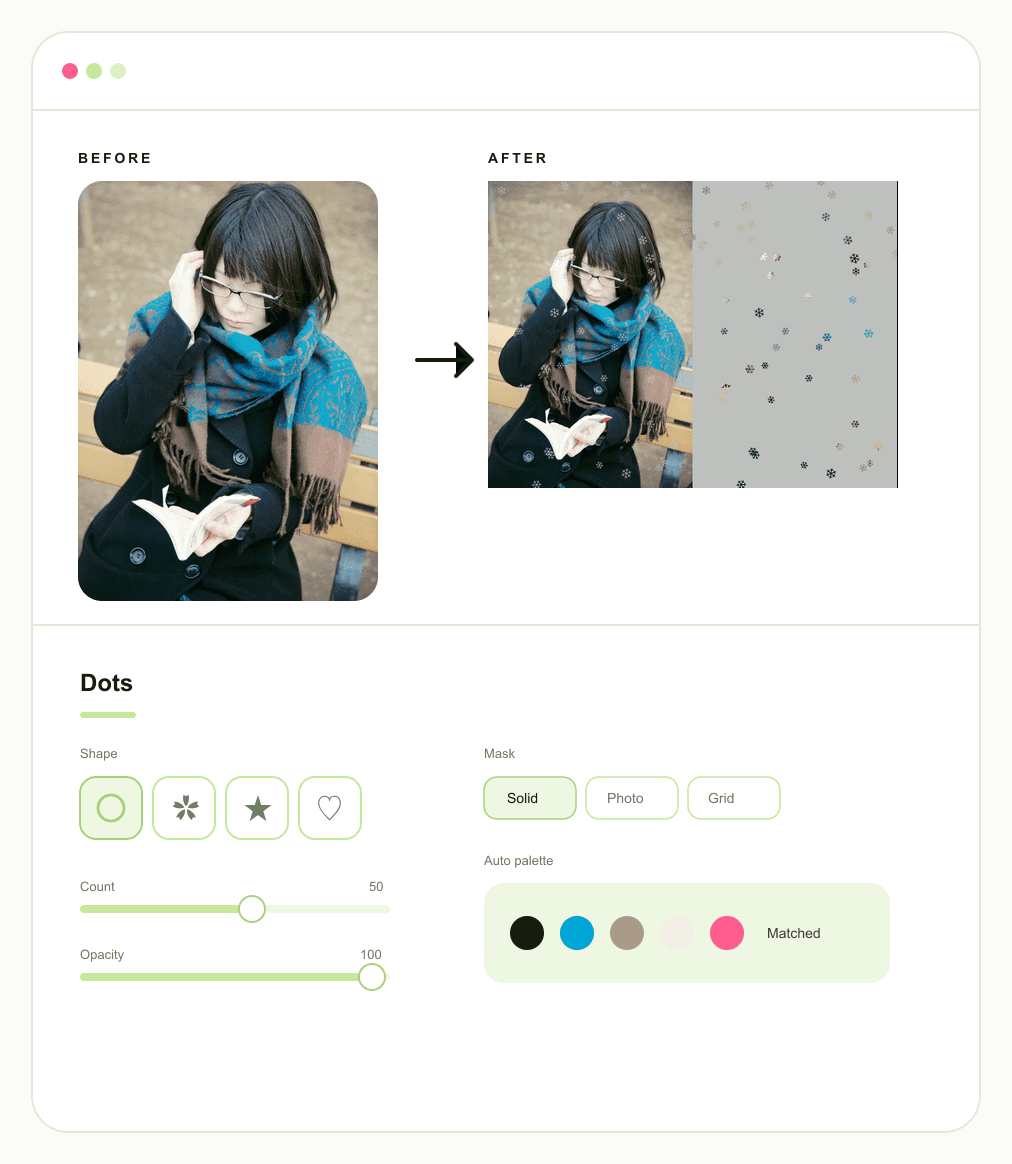
Auto Color Match for Seamless Blends
Mismatched effects can easily make a beautiful picture look cheap. Now your shapes will naturally look like they belong in the exact same frame. Our intelligent photo overlay editor automatically reads the main colors of your picture and builds a perfectly matched palette. You can still tweak everything by hand to guarantee a beautifully seamless result every time.
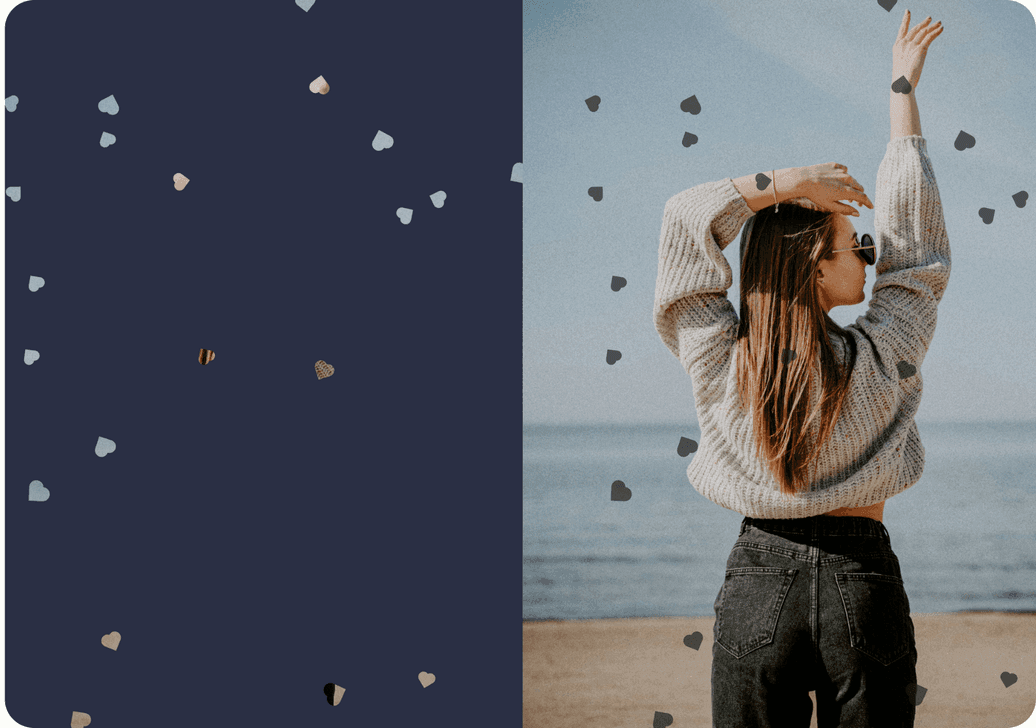
Shapes for Every Season and Mood
Hunting down separate stickers for winter themes, romantic shots, or night posts takes way too much time. This image overlay editor covers the entire year in one convenient place. Pick from snowflakes, polka dots, hearts, stars, moons, or leaves, and effortlessly layer them to fit the exact moment you want to share with your audience.
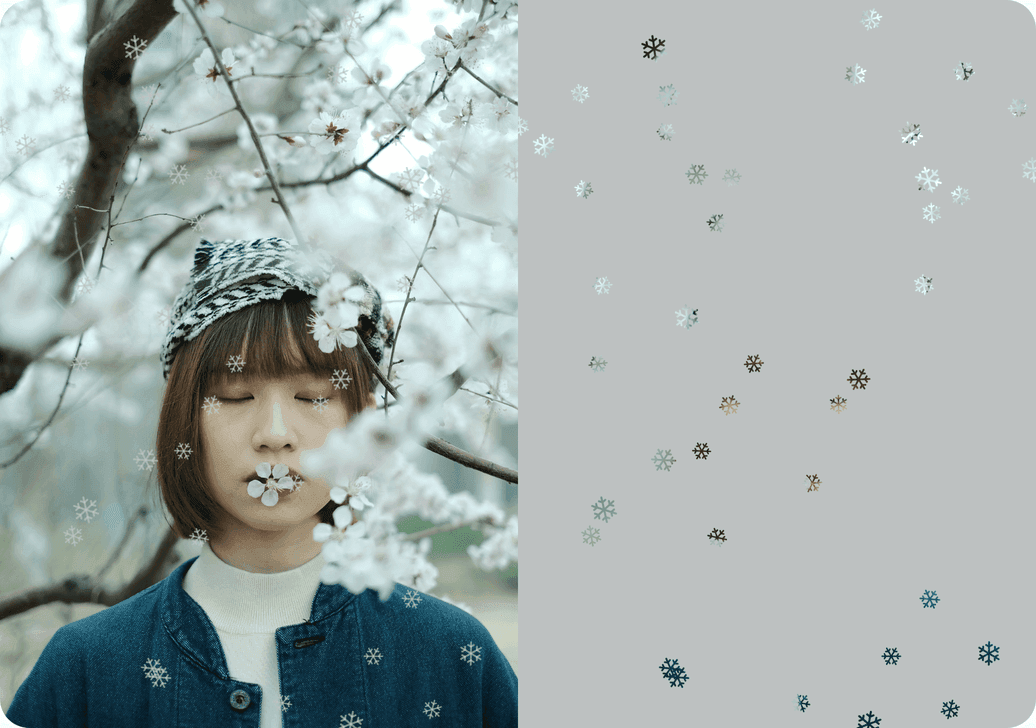
Edit Overlays With Layouts That Flip
Horizontal and vertical shots suffer when the composition refuses to adapt. Whenever you edit overlays, the structure should fit your picture perfectly without feeling forced. Switch the layout structure freely so your design always looks beautifully balanced and perfectly framed on both wide photos and tall posts.

Full Control in Your Overlay Photo Editor
Stop settling for effects that are either too faint or too loud with no middle ground. You have total control to dial the density from a soft veil to a completely full field. Fine tune the count, size, opacity, and color independently so your overlay photo editor results stay exact instead of being locked to one generic preset look.
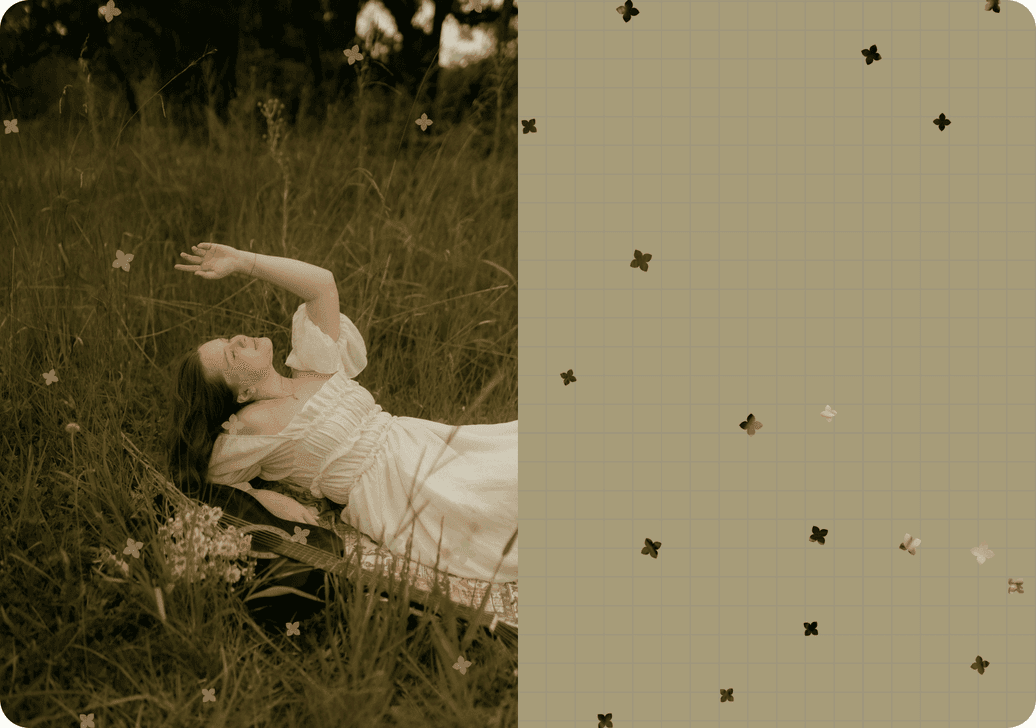
Free Export, Plus Text Overlays
It is incredibly frustrating when a free tool demands an account or stamps a giant watermark over your hard work. Open your files, make your changes, and post with zero cost using our ultimate overlay photo editor. DottyPic remains completely free with absolutely no watermarks and no login required. You can even add custom text directly onto the finished file to perfectly complete your scene.
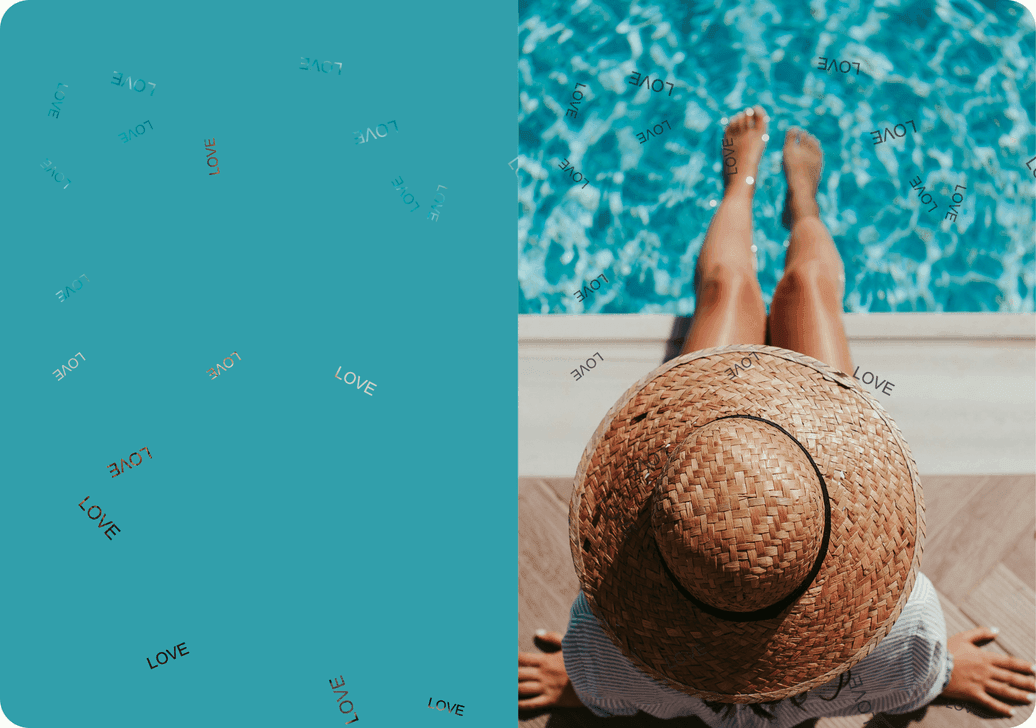
How to Overlay Pictures Online in Minutes
- 1
Upload Your Photo
Choose a clear photo. The editor reads its main color palette so overlays can match the shot automatically.
- 2
Pick Shapes and Layout
Choose snowflakes, hearts, stars, or other shapes, then switch between side-by-side or stacked layouts for your crop.
- 3
Tune and Download
Adjust count, size, opacity, and color, add text if you want, then export a clean file with no watermark and no login.
Why Choose DottyPic Photo Overlay Editor?
Overlays That Match Your Photo Colors
Instead of random sticker colors, overlays follow your photo's palette, with manual color control when you want a different mood.
A Shape Set for Real Moments
Snowflakes, hearts, stars, moons, leaves, and more cover seasonal and everyday scenes without hunting separate sticker packs.
Layout Freedom for Any Orientation
Flip between left-right and top-bottom structures so landscape and portrait photos both keep a clean composition.
Free, Flexible, and Ready to Post
No account wall, no watermark, full slider control, and text overlays on the final image when you need a caption in frame.
FAQs
What is a photo overlay editor?
It is an online tool that places shapes or layers on top of your photo. In DottyPic, overlays also match your photo's colors so the effect looks cohesive instead of randomly stuck on.
Can overlay colors match my photo automatically?
Yes. The editor detects the main color family in your photo and builds a matching overlay palette. You can still change colors manually anytime.
Which overlay shapes are available?
You can use snowflakes, polka dots, hearts, stars, moons, leaves, and other shapes for seasonal and everyday looks.
Can I change the overlay layout for horizontal and vertical photos?
Yes. Switch between left-right and top-bottom layouts so wide and tall photos both keep a balanced composition.
Can I control how strong the overlay looks?
Yes. Count, size, opacity, and color are each adjustable, from a soft hint to a full-field effect.
Can I add text as an overlay on the finished image?
Yes. After the visual overlays are in place, you can add text overlays directly on the result when you want words in the frame.
Is the photo overlay editor free to use?
Yes. DottyPic is free, exports without a watermark, and does not require an account to start or download.
How do I overlay pictures online without design software?
Upload your photo, pick a shape set, tune the sliders, and download. The photo overlay editor flow is built for fast online edits without learning a full design suite.
Make Your Overlay Look
Try the free photo overlay editor, match colors to your photo, and download a clean image when the effect feels right.