
Polka Dot Generator for Custom Dot Backgrounds
Skip the blank canvas. DottyPic helps you build a playful dotted look, tweak every detail, and export clean files for web or print in minutes.
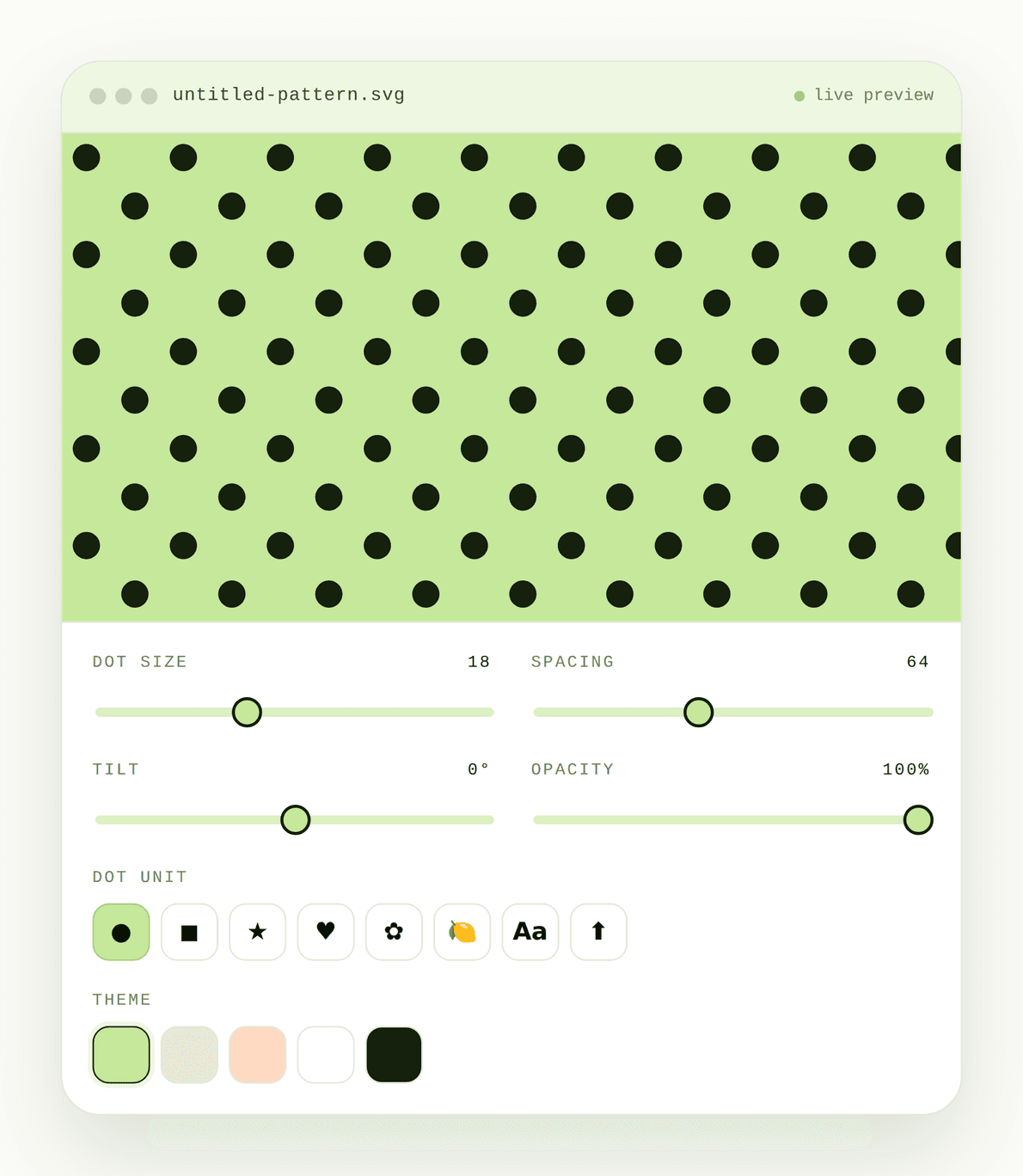
Polka Dot Generator in One Click
Instead of spending hours building a dotted look from the ground up, create an aesthetic polka dot background instantly. With DottyPic polka dot pattern generator, you can generate a clean and customizable design in just one click. Refine your creation right in your browser without needing heavy design software until it perfectly fits your posts, banners, or print projects.
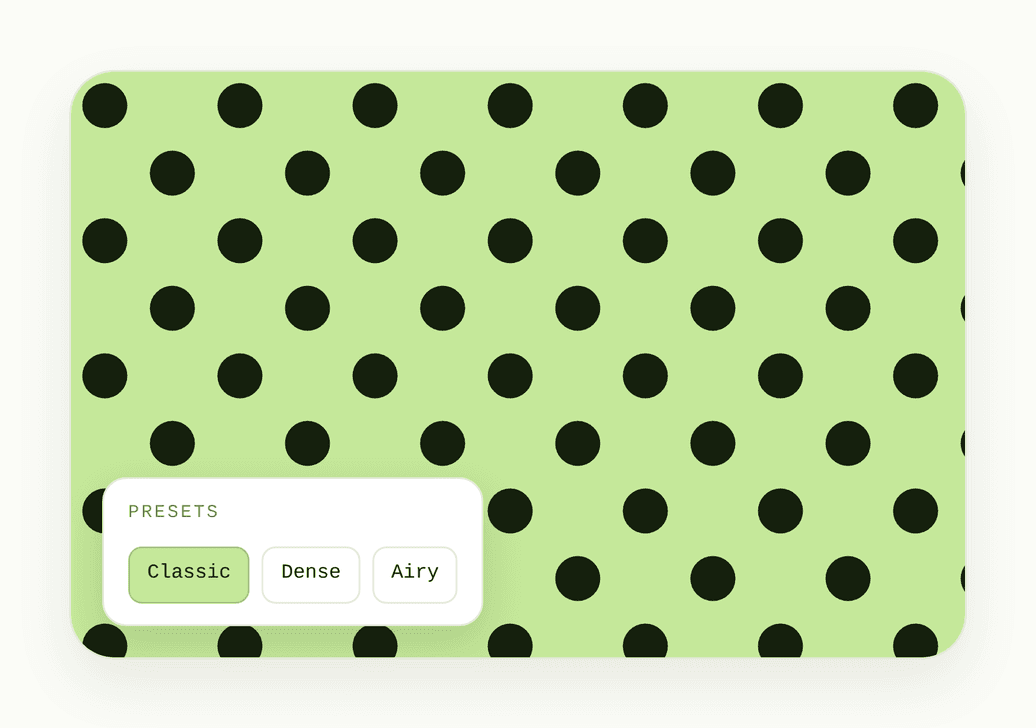
Choose Shapes, Emoji, and Text as Dots
Plain round circles can sometimes feel too basic for your creative vision. Break free from stock fills by using preset shapes, emojis, or even custom text as your repeating unit. This adds a playful and personal touch, ensuring your polka dot pattern carries unique personality while maintaining that classic and recognizable rhythm across your canvas.
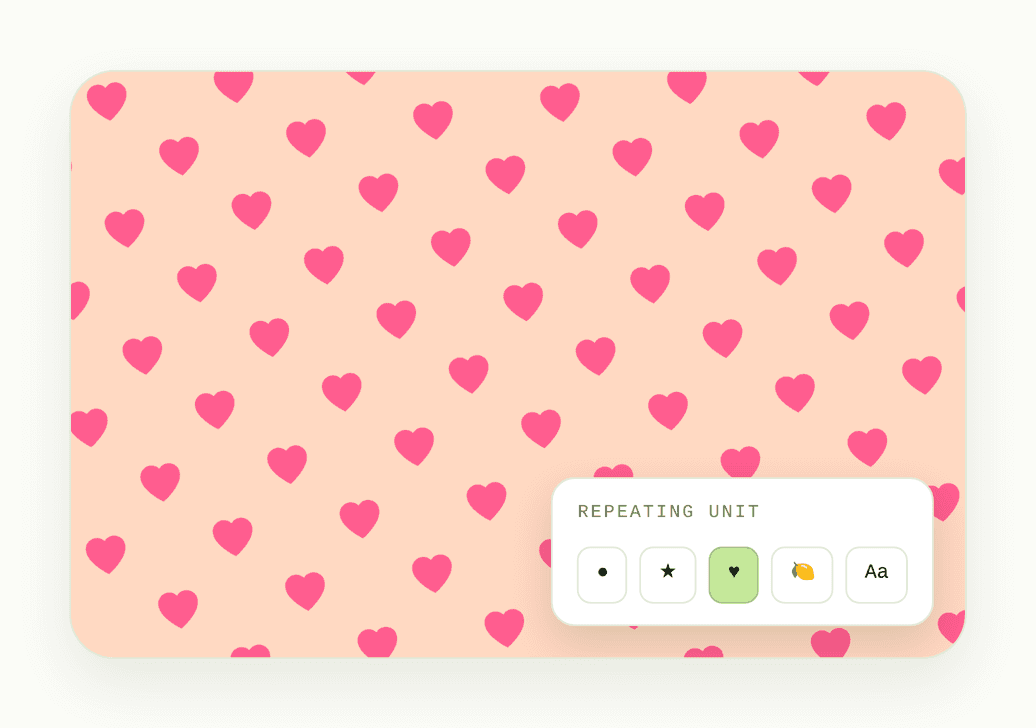
Upload Your Image for Custom Polka Dots
Brand work can feel disconnected when you are limited to standard dots. Elevate your design by uploading your own art or logo to repeat across the canvas. Build a truly custom polka dot background that reinforces your brand identity while keeping that familiar and striking rhythm your audience instantly recognizes on every surface.
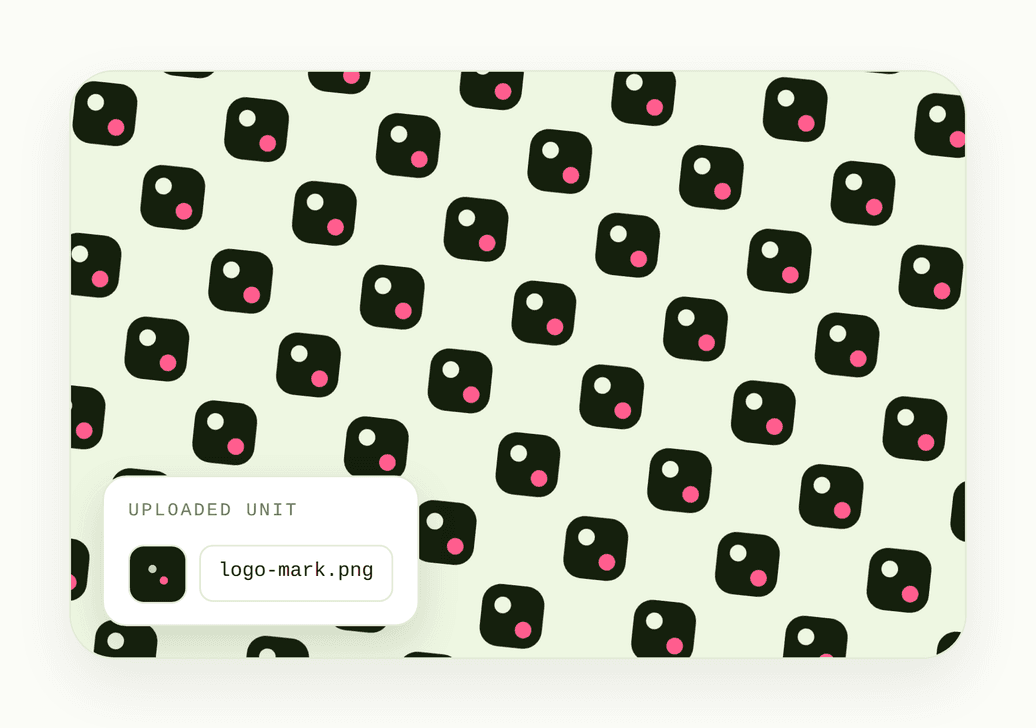
Customize Your Spacing, Colors, and Tilt
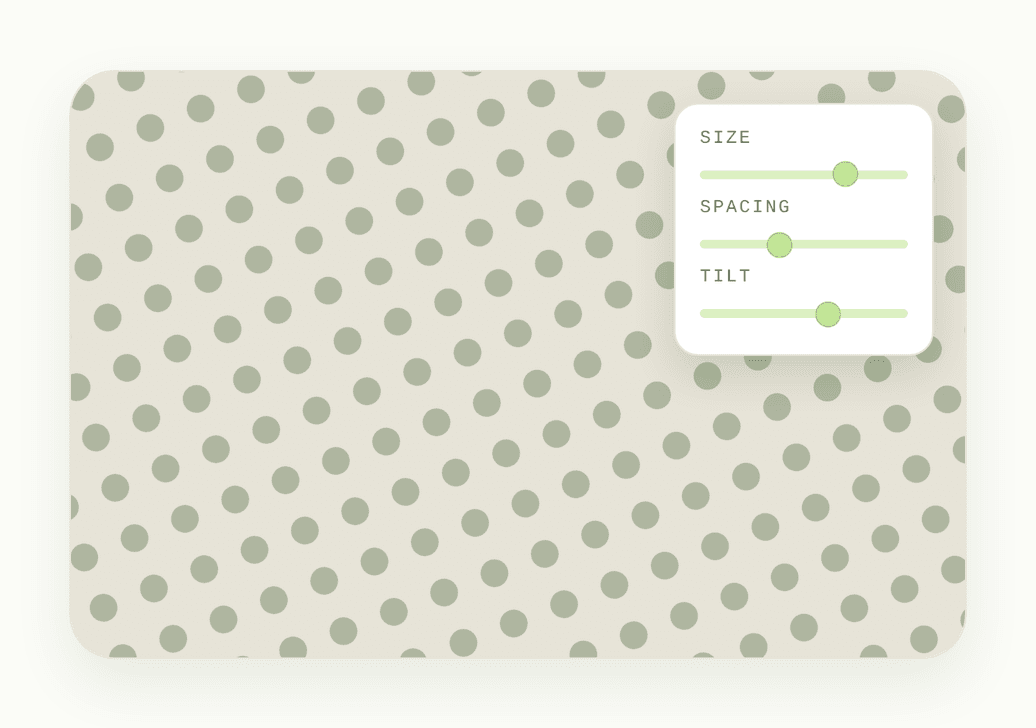
Do not let rigid tools dictate your layout. Take full control over how your polka dot pattern aligns with your frame. You can easily adjust size, spacing, opacity, colors, direction, and tilt until everything sits exactly where you need it. Choose from curated palettes like muted tones, sunset, or monochrome to create a beautifully balanced texture that perfectly matches your vision.
Export Flexible Formats and Custom Sizes
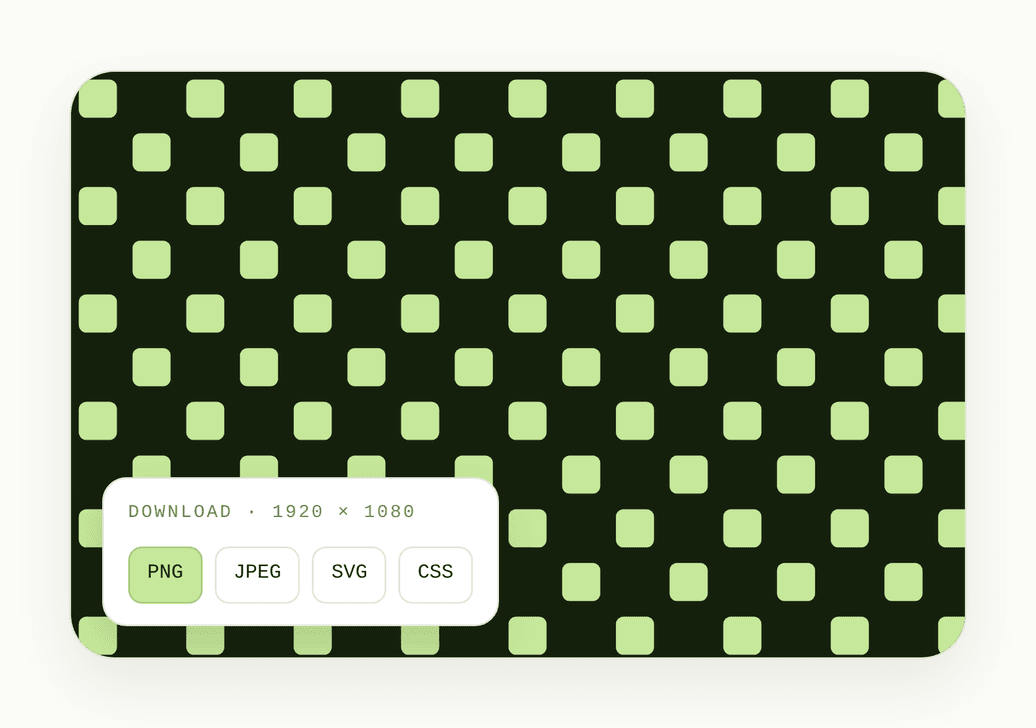
Stop worrying about export limitations blocking your next step. You can set a custom download size and save your design exactly as your project requires. Export your work as a PNG, JPEG, SVG, or CSS code. Enjoy completely free downloads with zero watermarks, no ads, and absolutely no usage limits getting in the way of finishing your layout.
How to Make a Polka Dot Background Online?
- 1
Open the Generator
Open the online tool and start from a blank canvas or a simple preset so you can see the pattern update as you edit.
- 2
Customize Your Dots
Set size, spacing, colors, tilt, and optional shapes, emoji, text, or an uploaded image as the repeating unit.
- 3
Download Your File
Choose your canvas size, then export PNG, JPEG, SVG, or CSS code for web, social, or print use.
Why Choose DottyPic Polka Dot Generator?
More Than Round Dots
Most tools stop at circles. Here you can use shapes, emoji, text, or your own upload as the repeating unit, so the pattern feels personal instead of stock.
Full Control Without Friction
Tune size, spacing, opacity, colors, tilt, and direction in one place. You get a custom look without jumping into complex design software.
Export Ready for Real Projects
Download at a custom size as PNG, JPEG, SVG, or CSS code. That means the same pattern can move from a quick preview into web or print work.
Free, Unlimited, and Uncluttered
Create as many times as you need with no watermark and no ads in the way. The focus stays on making the pattern, not managing limits.
FAQs
How do I make a polka dot pattern without Photoshop?
Open the online generator, adjust size, spacing, and colors, then download your file. You can skip design software and still get a clean polka dot pattern for web or print.
Can I create a polka dot background in custom colors?
Yes. Set the dot color and background color yourself, or start from a theme palette like muted tones, sunset, or mono, then refine until it matches your brand.
Can the dots be shapes, emoji, or text instead of circles?
Yes. Besides round dots, you can use preset shapes, emoji, or custom text as the repeating unit so the pattern feels more playful or on-brand.
Can I upload my own image to use as a polka dot?
Yes. Upload an image and use it as the repeating unit. That helps when you want a branded dot pattern instead of a plain circle fill.
What file formats can I download?
You can download PNG, JPEG, SVG, and CSS code. Pick the format that fits your workflow, whether you need a flat image or code for a site.
Can I set a custom download size?
Yes. Choose the dimensions you need before you export, so the file is ready for banners, posts, or print layouts without extra resizing.
Is the Polka dot generator free to use?
Yes. DottyPic is free, with no usage limits, no watermark, and no ads interrupting your edits or downloads.
How do I add tilt or change the direction of the dots?
Use the direction and tilt controls to angle the pattern. Small changes can make a dotted background pattern feel more dynamic without redrawing it.
Create Cute Polka Dot Pattern
Try the free Polka dot generator, tweak every detail, and download a clean pattern when it feels right for your next project.