
Quote Maker with Picture
Upload a photo, add your words, and DottyPic builds a clean color block layout with smart crop so your quote feels ready to post today.
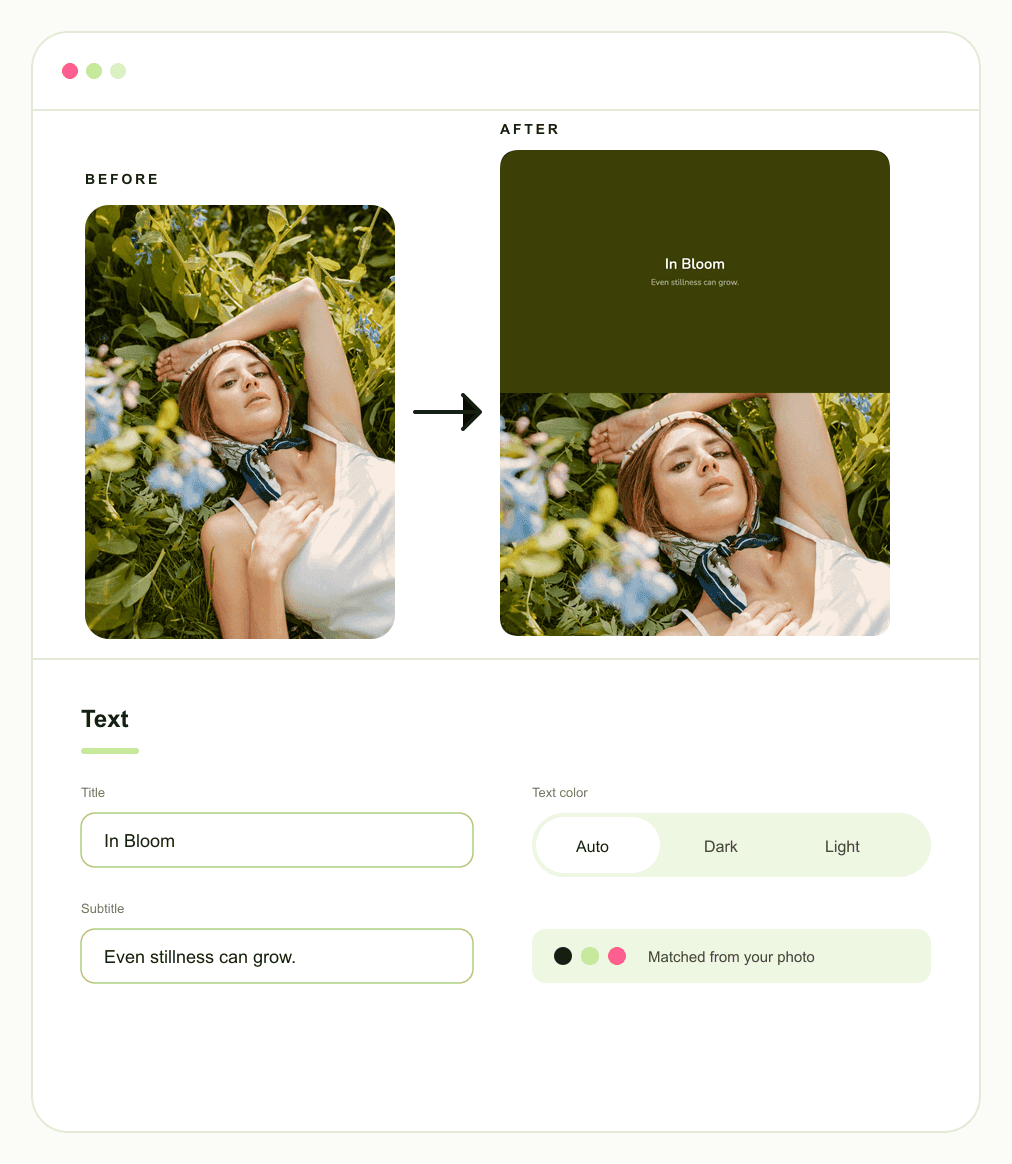
Photo Quote Maker With Clean Text Space
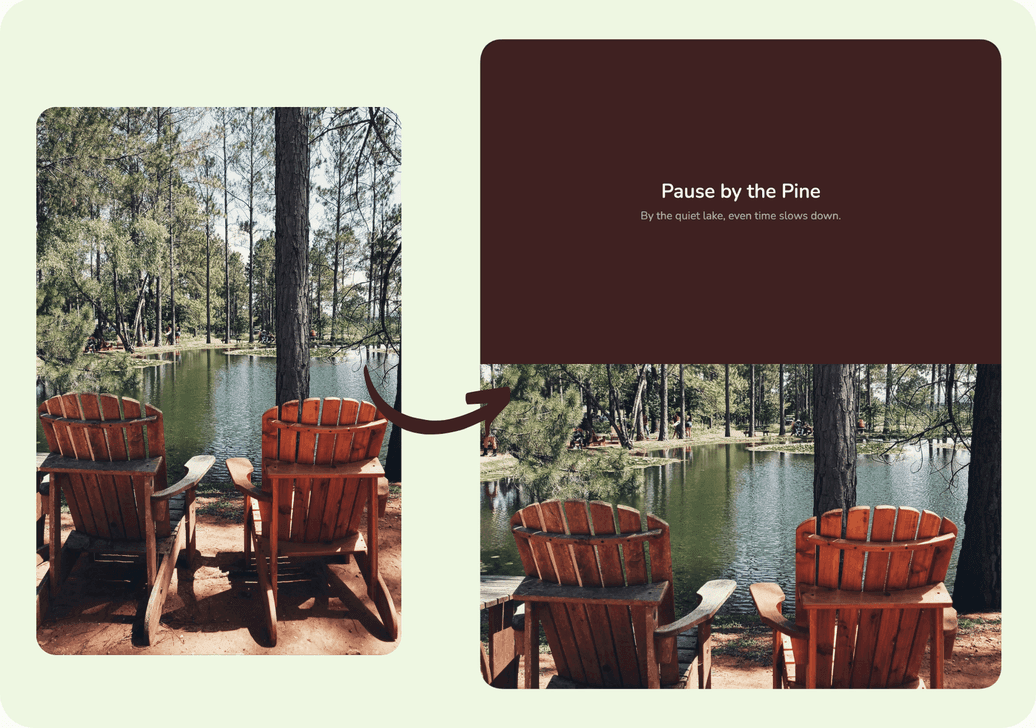
It feels frustrating when text sits directly on top of faces and ruins a beautiful shot. Instead of struggling with messy overlays, use our quote maker with picture tool to give your words their own calm field above the photo. The text sits securely in a separate color block, ensuring you can write quotes on pictures online while keeping your cherished moment fully visible and perfectly readable.
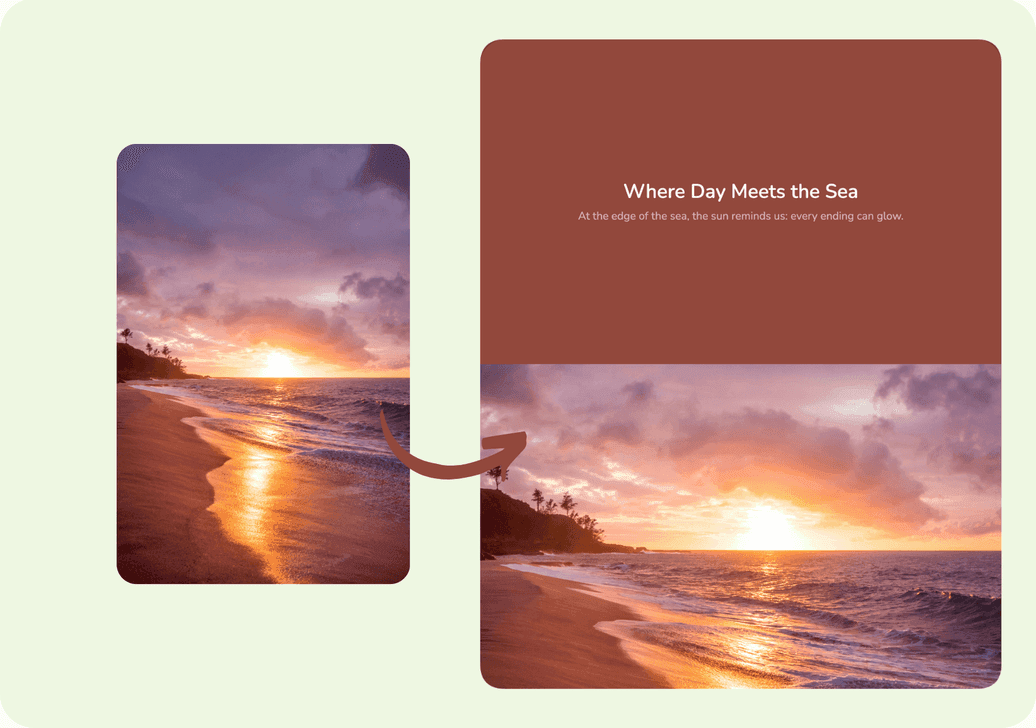
Auto Colors From Your Photo
Mismatched backgrounds can quickly make a design look cheap next to your image. This quote image generator acts as your personal color expert by reading the main tones of your photo and automatically building a matching solid backdrop. Every finished frame feels coordinated and magazine clean, guaranteeing your picture with quote maker result looks intentional and beautiful instead of clashing.
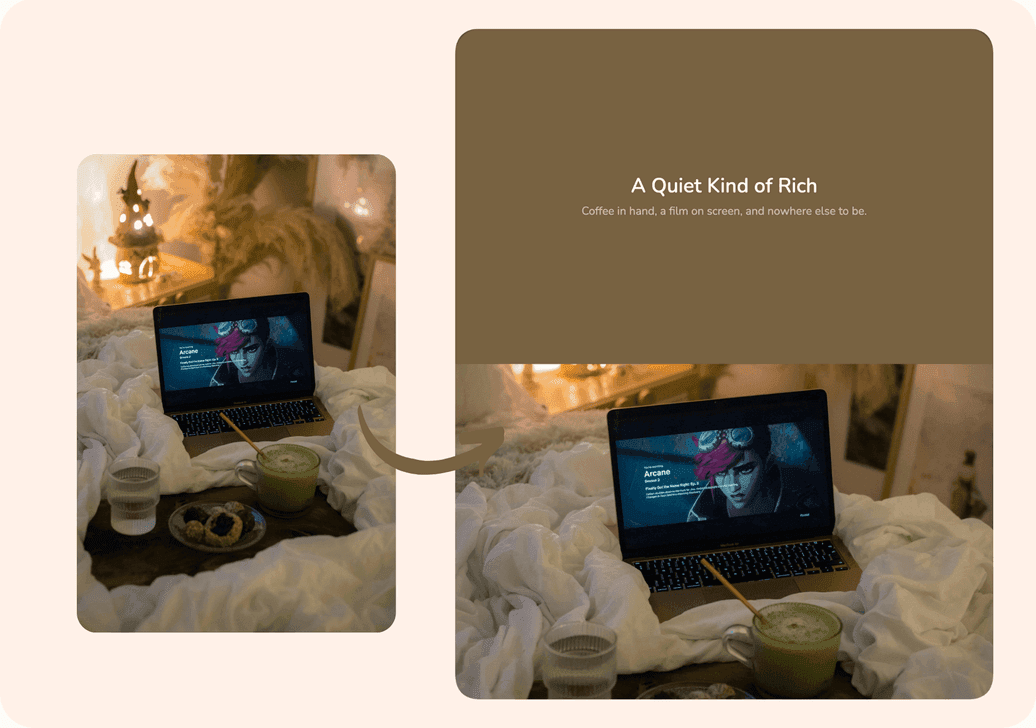
Smart Crop for Better Composition
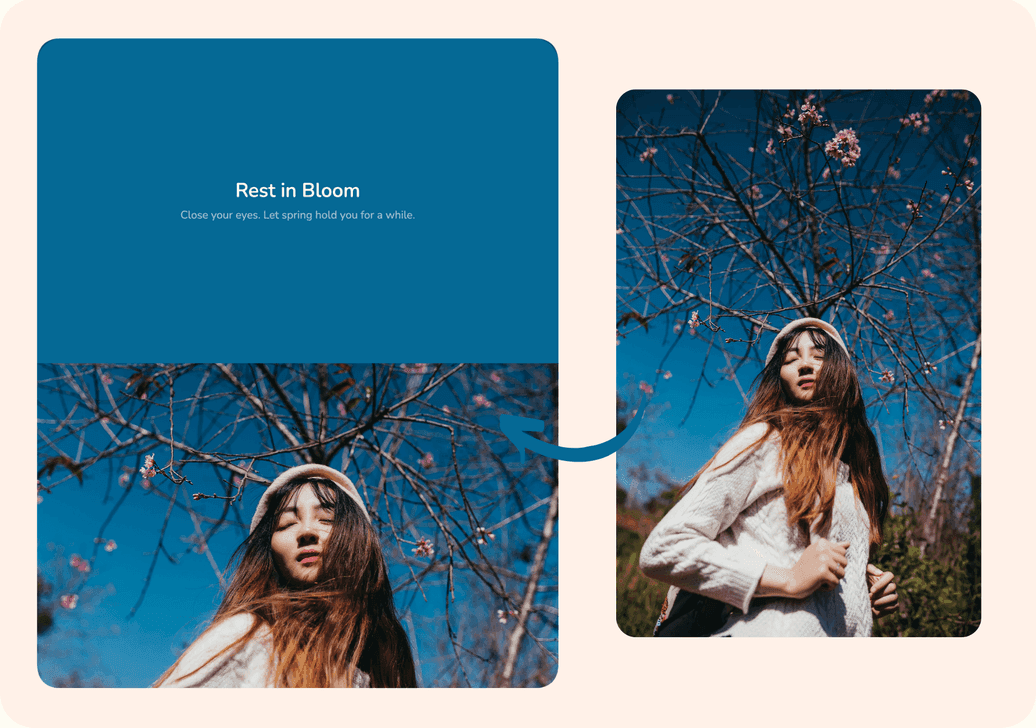
Cropping for social media gets annoying when it completely cuts off your main subject. Our intelligent quote with picture maker ensures the key person or object lands exactly where it should. Simply crop to your target ratio and keep the subject safely in place. This makes it the perfect quote maker with your own picture, delivering a perfectly composed result before you even touch a slider or guess where to cut.
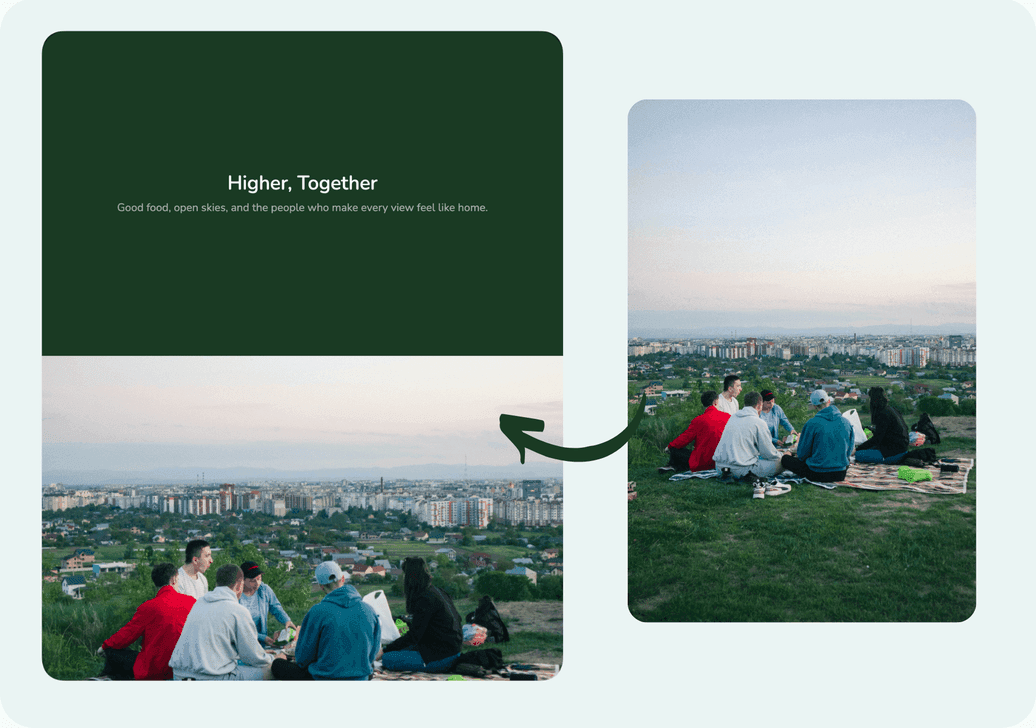
Skip the Complex Templates and Layers
Design tools feel rushed when every post starts with picking a template and moving layers. In a few seconds you already have a finished mood image. Skip template hunting and layer edits. Add your line, let the layout build itself, and leave with a post-ready photo with quotes maker look for social feeds.
Your Words, Free and Unwatermarked
It is always disappointing when a tool demands a login or stamps a huge logo across your beautiful work. You should keep full credit and complete freedom to share what you feel. With DottyPic, you can easily write quotes on pictures online free of charge. Type your text, download your file without any watermarks, and create amazing content with no account required whenever inspiration strikes.
How to Write Quotes on Pictures Online
- 1
Upload Your Photo
Choose a clear photo you want to share. The tool will read its colors and prepare a smart crop for your target ratio.
- 2
Add Your Quote
Type the mood line you want to say. Your text sits in its own color block above the photo, not layered over faces.
- 3
Download and Post
Export a clean, watermark-free image ready for Instagram or other feeds, with no login required.
Why Choose DottyPic Photo Quote Maker?
Text That Does Not Cover Your Photo
Instead of stacking words on faces, your quote lives in a dedicated color block. The photo stays intact, and the message stays easy to read.
Colors That Match Automatically
The background picks up your photo's main tones, so the whole frame feels harmonious without manual palette picking.
Composition Handled for You
Smart crop keeps the subject where it belongs for your ratio, which means fewer awkward cuts before you post.
Fast, Free, and Login-Free
No template maze, no watermark, no account wall. Write your line, get the image, and move on.
FAQs
How do I make a photo with a quote without covering the picture?
Use a layout where text sits in a separate color block above the photo. Words never overlay the image, so faces and details stay clear while your photo with quote still feels complete.
Can a photo quote maker match colors to my photo automatically?
Yes. It reads the main colors in your photo and builds a solid background that fits them, so the finished quote photo looks cohesive without manual swatches.
Does this tool crop my photo for Instagram?
Yes. It crops to your target ratio and keeps the subject in a stronger position, which helps your post look composed before you share it.
Do I need design skills or templates?
No. You upload a photo, type your quote, and get a finished layout in seconds. There is no template browsing and no layer editing required.
Can I write my own quote instead of picking a preset line?
Yes. Add whatever mood or message you want. The layout adapts around your words so you can express your own idea freely.
Is the photo quote maker free to use?
Yes. It is free, with no watermark on downloads and no login required to create or export in DottyPic.
How is this different from a regular quote poster maker?
Many poster tools focus on templates and text-on-design boards. Here the photo leads, colors auto-match, text stays in its own block, and crop is handled for you.
How do I write quotes on a photo for social posts quickly?
Upload your photo, type your line, and download the result. The photo quote maker flow is built for fast, mood-first posts without design busywork.
Make Your Mood Post
Try the free photo quote maker, keep text off your photo, and download a clean image when the vibe feels right for you.